If you already use ChatGPT or Claude for family history, you probably have a routine. You copy a profile out of your tree, paste it into the chat, and ask a question: what am I missing for this woman, what does this entry say, where would her death be registered? The answer is often useful. Then the chat ends, and the next time you have a question you paste the profile in again.
The trouble is that the assistant only knows what you pasted. It cannot see the record that a date came from, and it has no way to check its answer against the rest of your research. Anything it suggests, you go back and type into your tree yourself.
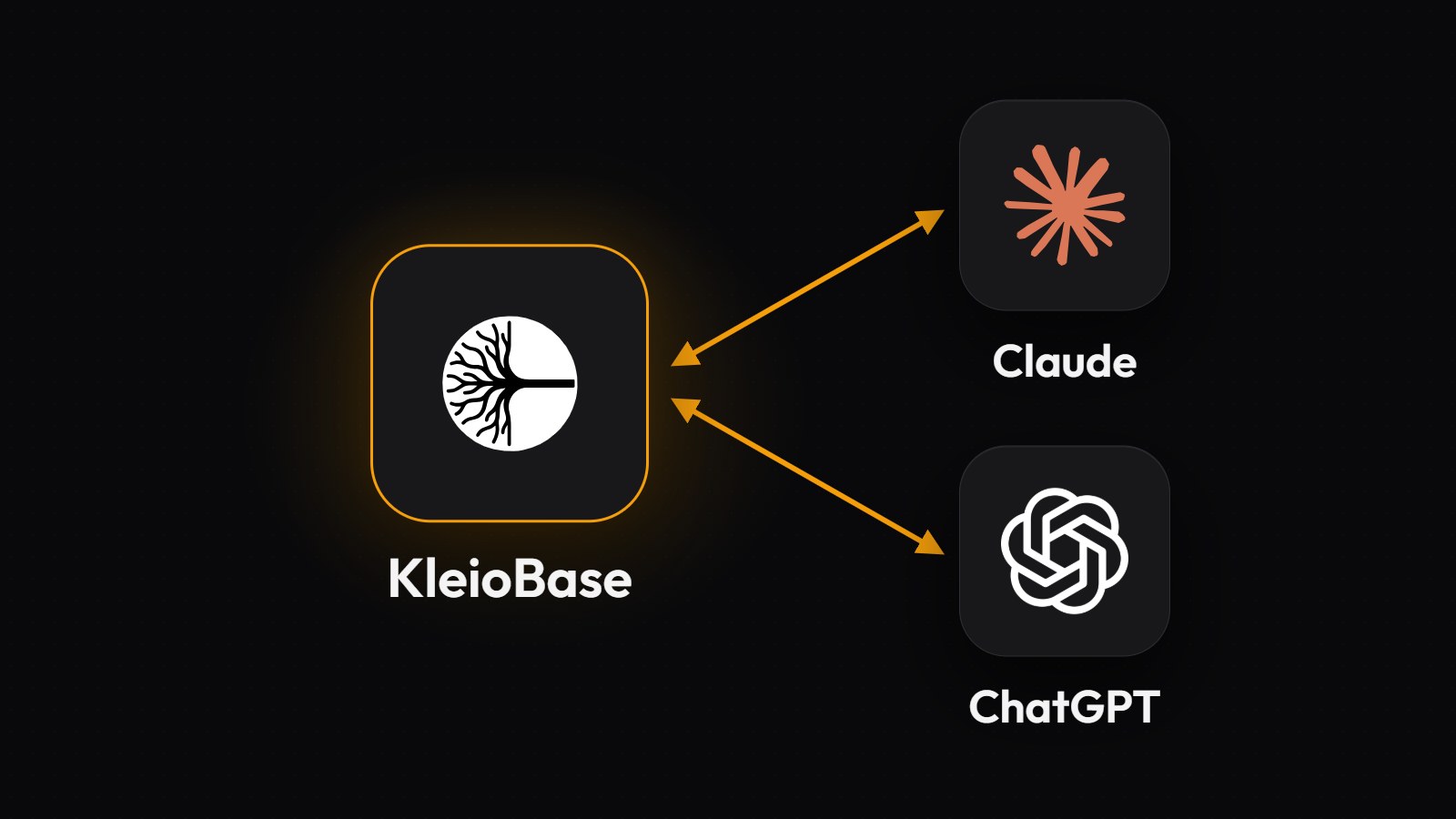
The short answer. KleioBase, an AI research companion that turns scattered historical records into one connected family archive, now connects to Claude, ChatGPT and any other assistant that supports the Model Context Protocol (MCP), on every plan including the free Explorer plan. Once connected, the assistant works on your live archive instead of a pasted copy. It can search your people and records, read family trees and timelines, open the scan behind an extracted fact, and, if you allow it, upload records, run extraction, confirm people and merge duplicates. You choose Read only or Read and write when you connect, anything that deletes, changes or merges is marked so your assistant asks you first, and you can revoke access at any time.
A pasted profile is a copy of your archive
When you paste a profile into a chat, you hand the assistant a snapshot. It has the names and dates you copied, but not the baptism the birth date came from, the census household that places the family in 1880, or the second record that gives the same man a different age. If the answer depends on any of those, the assistant has to guess, or ask you to paste more.
A general chatbot answering from memory can do worse and invent the record it cannot see. Our comparison of which AI tools can actually find your ancestors' records covers how often that happens, and why a fabricated citation looks exactly like a real one.
MCP is how a connected assistant gets at those records. Anthropic introduced it on 25 November 2024 as an open standard for connecting AI assistants to the systems where the data lives, and Claude, ChatGPT and many desktop and coding assistants now support it. When KleioBase is connected, the assistant asks KleioBase for what it needs while it works.
The assistant can check its answer against the scan
When your question is about a document, a connected assistant can open the record you are asking about, read what was extracted from it, and look at the scan itself, so it can compare the two before it answers.
That matters because extraction can be wrong in ways that are hard to see. As our guide to AI handwriting recognition explains, unless a tool is built to flag doubt, a misread word appears on screen exactly like a correct one. An assistant that can see both the image and the extracted text can point at a surname that does not match the handwriting and suggest a correction for you to approve.
It also means the assistant's answer is about your archive as it is today. Ask who in your Cork branch has no baptism linked, and it searches the people you have now, including the ones you confirmed this morning.
You decide what it is allowed to change
When you connect, KleioBase opens a page where you choose Read only or Read and write. A Read only connection can look anything up and change nothing. A Read and write connection can also add and edit your research.
Changes are marked. Every action that deletes, overwrites or merges is marked as destructive, even when it can be undone, so most assistants ask for your approval before running it. Looking things up never needs approval.
Most changes can be undone. People and records the assistant deletes go to the Trash, where you can restore them, and a merge can be unmerged. Emptying the Trash cannot be undone.
You can cut it off at any time. Every connected assistant is listed at Settings > Developer, with its permission and when it was last used. Select Revoke and it stops working straight away.
What we built
We make one of the tools in this space, so read this section as disclosure.
It works with the assistant you already use. In Claude, KleioBase is listed in the connector directory; in ChatGPT, it is listed as an app. Any other assistant that supports MCP can connect with one address, https://kleiobase.com/api/mcp. In each case you sign in to KleioBase, choose a permission, and select Allow access. The Connecting AI assistants guide has the steps for each one.
It can do most of what you can do in the app. The assistant can search a workspace, read people, families, timelines and family trees, list duplicate matches, conflicts and research findings, check your Tree Health Score, organise people and records into folders and tags, and import or export a GEDCOM file. It can upload record photos, start extraction, wait for it to finish, correct what was read, and confirm the record. There are 88 tools in all.
It keeps workspaces apart. Every request names the workspace it is about, so an assistant always knows whether it is working on your own family or a client's, and KleioBase keeps their research separate: a duplicate match in one workspace never points at a person in another. Our post on why two families should never share one archive explains why that boundary exists.
Your plan applies as it does in the app. Uploading is free, processing a record uses credits, and the people and upload limits of your plan still apply. A free account can connect an assistant; programmatic API keys, for developers writing their own scripts, are on Professional. Developers can read the MCP server reference.
The Research Companion inside KleioBase is still there, and in our view it is still the better place for long research conversations. The connector is for the times you are already working in Claude or ChatGPT and want your archive in the same window.
There are three honest limits.
What the assistant reads goes to its provider. When Claude or ChatGPT reads your research, that information is handled under Anthropic's or OpenAI's own terms and privacy policy, not ours. Choose Read only if you only want answers, and connect only assistants you trust.
The assistant can still be wrong. It gets the same records you see, but the conclusions it draws from them are its own. Ask it which record a claim came from, and check that record before you accept a merge or a correction.
Photos only. Record uploads must be JPG or PNG images, one image per record. A multi-page PDF has to be saved as separate page images first.
Where to start on your first connected session
Connect with Read only first. Then try three questions that a pasted profile could not answer.
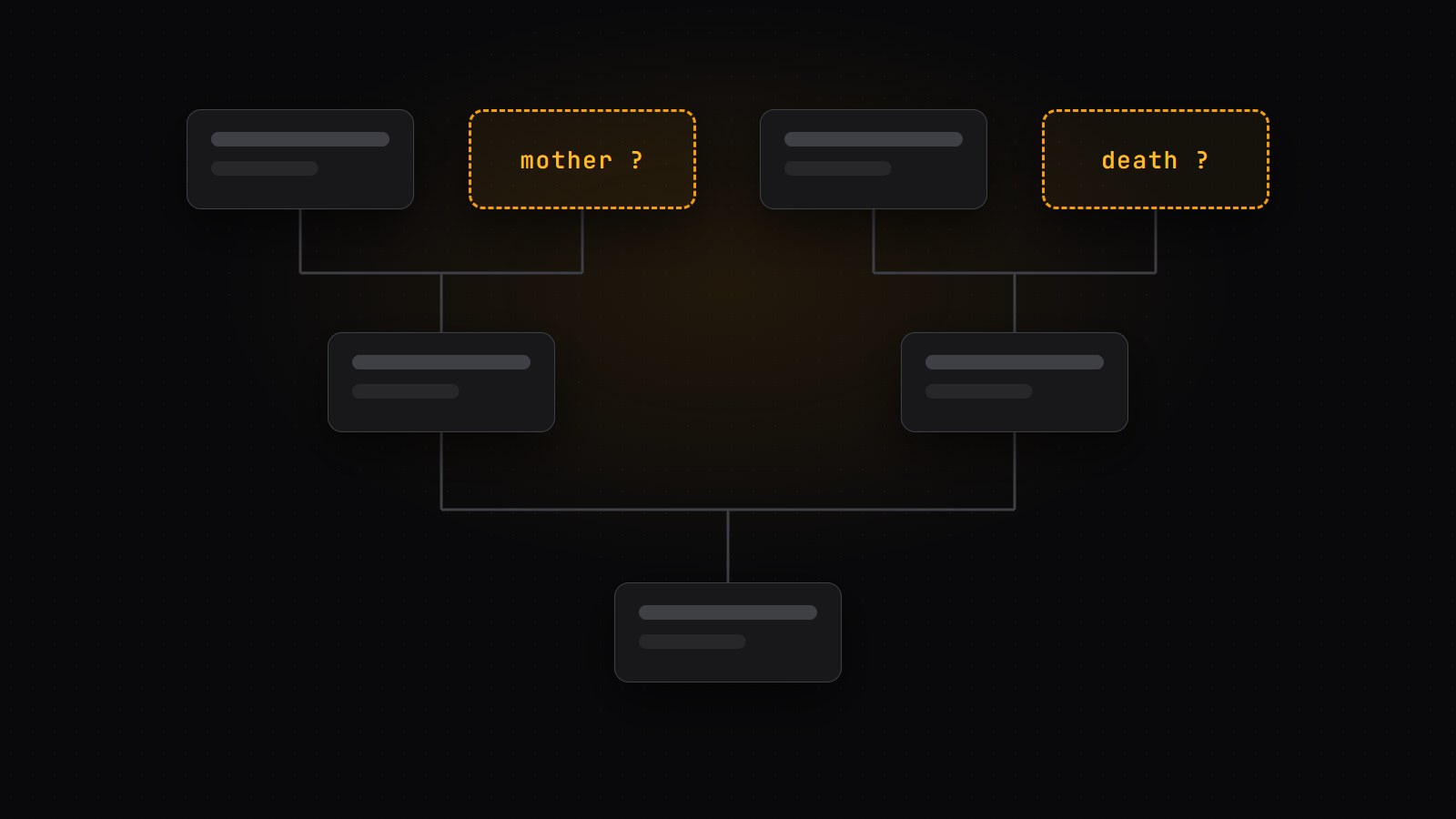
Ask about a gap. "Who in my tree has no death date?" The assistant searches your whole workspace and names the people, with the records it did find for each.
Ask about a document. Pick a record you were unsure about, such as an Italian birth register entry or an 1880 census page, and ask the assistant to compare the extracted names with the scan. It reads both and points out where they seem to disagree.
Ask for a plan. "What should I research next for the Quebec branch?" It reads the records your archive expects for those people but does not have yet, along with your research findings on Researcher and above, and turns them into a short list you can work through.
When you trust what it does with Read only, reconnect with Read and write, and let it file the answers it finds.
Every fact in your archive started as an entry a clerk, a priest or an enumerator wrote by hand, and you confirmed each one before it went in. A connected assistant works from those same entries, so you can check what it tells you the way you checked them.
Follow KleioBase on Google
Add us as a preferred source to see our research guides more often in Google Search and AI results.
Start building your family history
Upload a record and let KleioBase transcribe, translate, and connect it - all in one place, with a research partner that remembers everything you find.
Get started